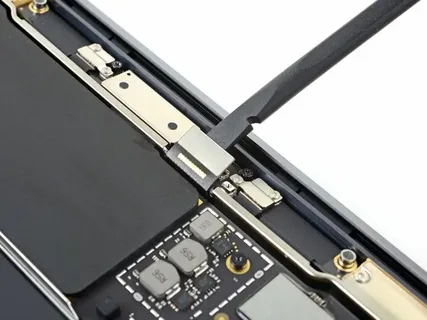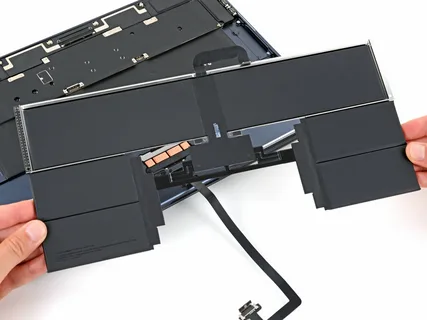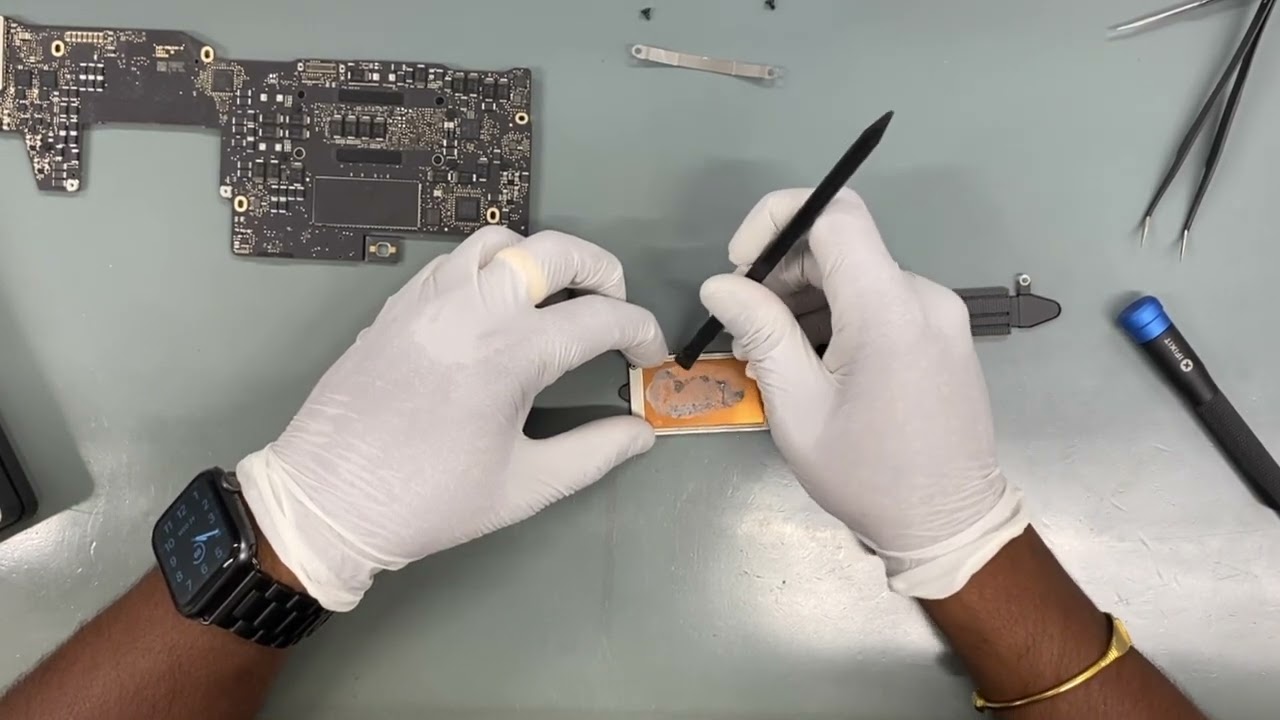
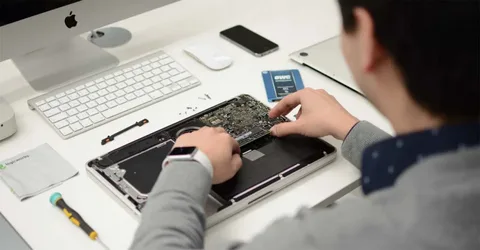
Startup errors can be frustrating, especially when your laptop refuses to boot just when you need it the most. Whether it’s a black screen, endless loading, or system crash, these issues are common among users in the UAE. This comprehensive guide on Laptop Computer Repair Dubai will walk you through practical steps to diagnose and fix startup problems quickly and efficiently.
From simple fixes to advanced troubleshooting, you’ll also learn when professional services like Laptop screen repair UAE or even Surface pro 5 screen replacement may be necessary.
Common startup Errors in Laptops
Before jumping into solutions, it’s important to understand what kind of startup issue you’re facing. Here are some of the most common problems:
- Black screen on startup
- Stuck on loading screen
- Blue screen errors (BSOD)
- Automatic repair loop
- No display but power is on
- Boot device not found
Each issue may have different causes, but many can be resolved with structured troubleshooting.
Step 1: Check Power Supply and Battery
The first and simplest step in Laptop Computer Repair Dubai is verifying your power source.
What to Do:
- Ensure the charger is properly connected
- Try a different power outlet
- Remove and reinsert the battery (if removable)
- Check for charging indicator lights
Why It Matters:
Sometimes, startup failures occur due to insufficient power rather than internal faults.
Step 2: Disconnect External Devices
External devices can interfere with your laptop’s boot process.
Actions:
- Remove USB drives
- Disconnect external hard disks
- Unplug printers, keyboards, and mice
After removing all peripherals, restart your laptop. If it boots normally, one of the connected devices was causing the issue.
Step 3: Perform a Hard Reset
A hard reset can clear temporary glitches in hardware.
Steps:
- Turn off the laptop
- Remove battery and charger
- Hold power button for 15–20 seconds
- Reconnect power and restart
This method is widely used in Laptop Computer Repair Dubai services as a quick fix for many startup problems.
Step 4: Check Display Issues
Sometimes your laptop is working fine, but the display isn’t.
Signs of Display Problems:
- Laptop powers on but screen stays black
- Faint images visible under light
- Flickering screen
Solution:
- Connect your laptop to an external monitor
- If display works externally, the issue is with your screen
In such cases, professional Laptop screen repair UAE services are recommended. If you’re using a Microsoft device, you may need a Surface pro 5 screen replacement.
Step 5: Boot into Safe Mode
Safe Mode allows your system to start with minimal drivers.
How to Access:
- Restart your laptop
- Press F8 or Shift + Restart
- Select “Safe Mode”
Benefits:
- Helps identify software conflicts
- Allows you to uninstall problematic drivers or updates
Safe Mode is a critical step in Laptop Computer Repair Dubai troubleshooting processes.
Step 6: Run Startup Repair
Most operating systems include built-in repair tools.
Steps:
- Go to Advanced Startup Options
- Select “Startup Repair”
- Follow on-screen instructions
What It Fixes:
- Missing system files
- Corrupted boot configuration
- Startup registry issues
This is one of the most effective automated solutions.
Step 7: Check for Operating System Issues
Corrupted system files often cause startup failures.
Solutions:
- Use System Restore to revert to a previous state
- Run command prompt tools like:
- sfc /scannow
- chkdsk /f /r
These commands repair system integrity and disk errors.
Step 8: Inspect Hard Drive Health
A failing hard drive can prevent your laptop from booting.
Symptoms:
- Clicking noises
- Slow performance before failure
- Frequent crashes
What to Do:
- Use diagnostic tools
- Replace the hard drive if necessary
In Laptop Computer Repair Dubai, technicians often replace HDDs with SSDs for improved performance.
Step 9: Update or Reset BIOS
BIOS issues can also lead to startup errors.
Steps:
- Enter BIOS setup (usually by pressing DEL or F2)
- Reset to default settings
- Update BIOS if needed
Warning:
Incorrect BIOS updates can damage your system. If unsure, seek professional help.
Step 10: Reinstall the Operating System
If all else fails, reinstalling the OS may be necessary.
Before You Proceed:
- Backup important data
- Use bootable USB or recovery disk
Benefits:
- Removes all corrupted files
- Provides a fresh start
This is often the final step in Laptop Computer Repair Dubai solutions.
When to Seek Professional Help
While many startup issues can be fixed at home, some require expert attention.
Consider Professional Repair If:
- Laptop doesn’t respond at all
- Hardware damage is suspected
- Screen is broken or unresponsive
- Data recovery is needed
Services like Laptop screen repair UAE are essential for physical damage, while specialized repairs such as Surface pro 5 screen replacement require technical expertise.
Preventing Future Startup Errors
Prevention is always better than repair. Follow these tips to keep your laptop running smoothly:
- Keep Software Updated
Regular updates fix bugs and improve system stability.
- Avoid Forced Shutdowns
Always shut down properly to prevent file corruption.
- Use Antivirus Protection
Malware can damage system files and cause startup issues.
- Monitor Hardware Health
Check battery, hard drive, and cooling system regularly.
- Backup Data Frequently
Use cloud storage or external drives to secure your data.
Benefits of Professional Laptop Repair Services in Dubai
Choosing expert services for Laptop Computer Repair Dubai offers several advantages:
- Accurate diagnosis
- Advanced tools and equipment
- Faster repair turnaround
- Warranty on services
- Genuine replacement parts
Whether it’s a simple fix or a complex issue like Surface pro 5 screen replacement, professionals ensure quality results.
Conclusion
Startup errors can disrupt your workflow, but with the right approach, most issues can be resolved quickly. This guide on Laptop Computer Repair Dubai has provided step-by-step solutions to identify and fix common startup problems.
From checking power supply to reinstalling the operating system, these methods cover both basic and advanced troubleshooting. However, for hardware-related issues such as screen damage, relying on Laptop screen repair UAE services or opting for a Surface pro 5 screen replacement ensures long-term reliability.
By following preventive measures and seeking professional help when needed, you can keep your laptop running efficiently and avoid future startup issues.