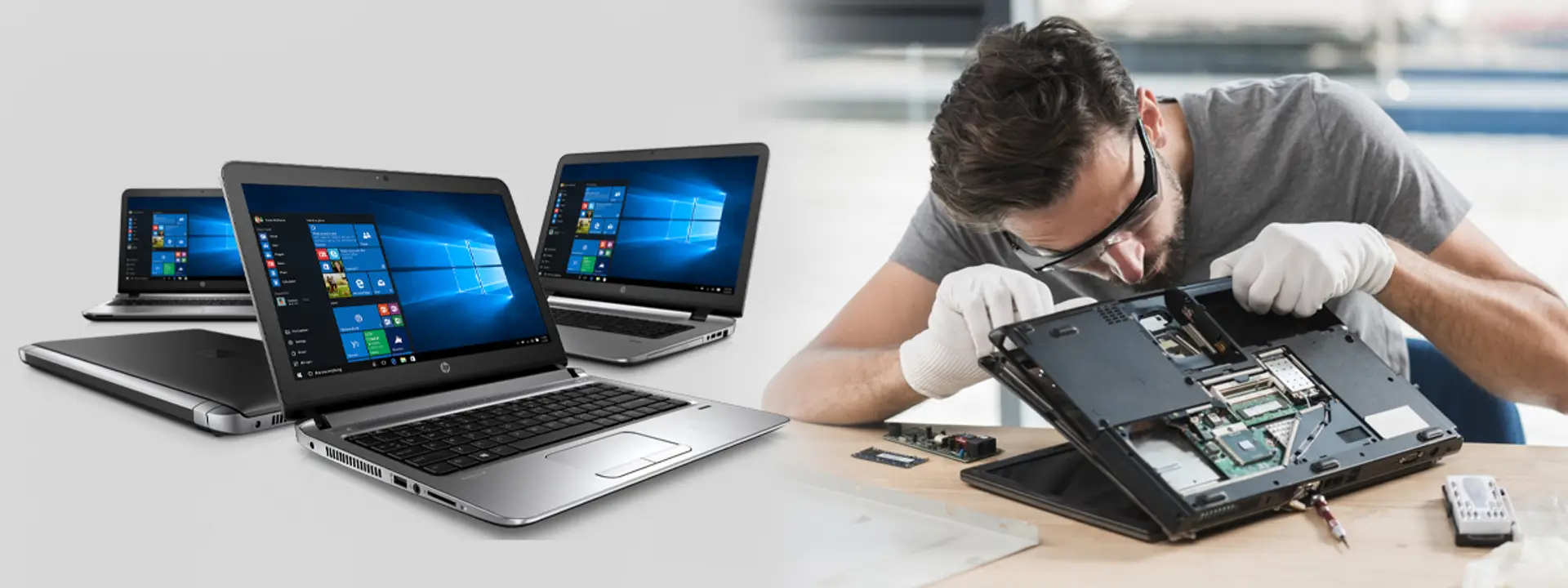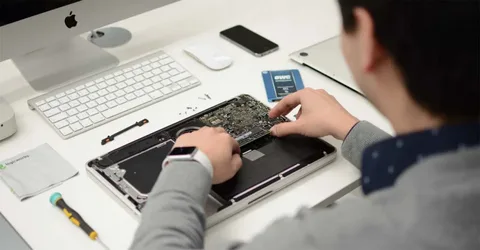
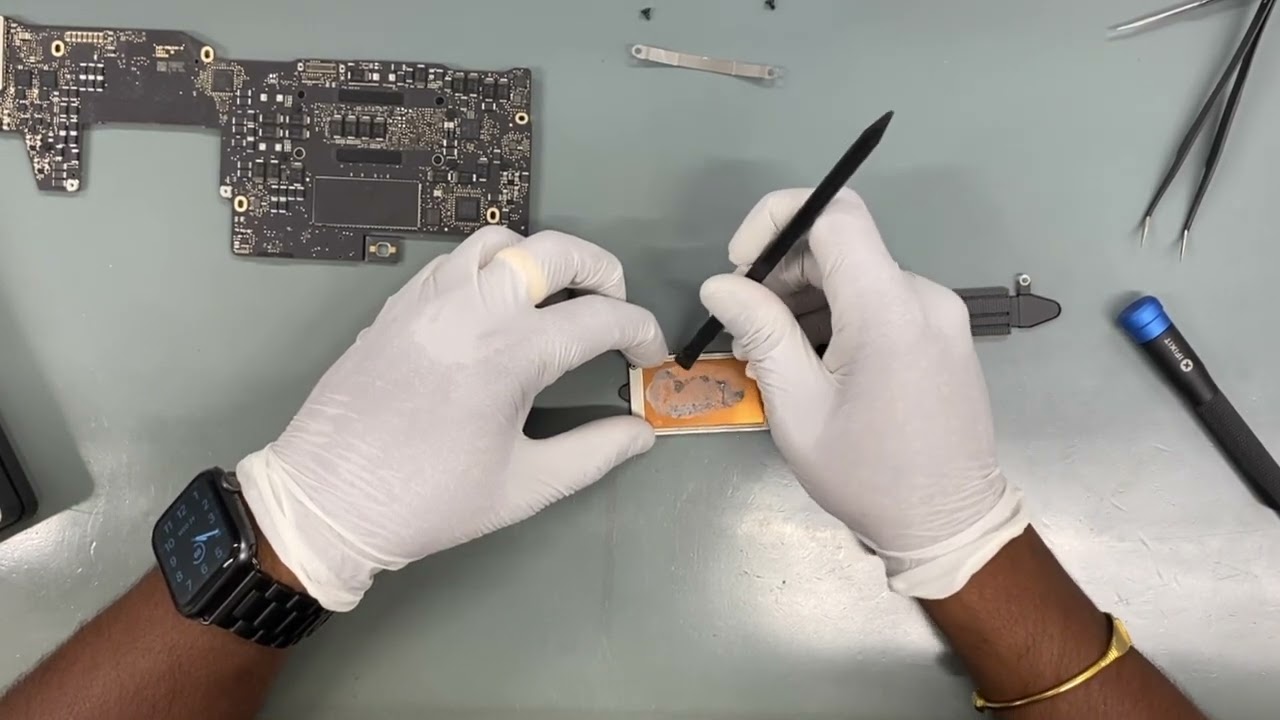
Modern smartphones, tablets, and laptops rely on complex internal components to function smoothly. Among these, the logic board—often called the motherboard—is the central hub that connects and controls every major part of your device. When it begins to fail, the effects can be serious and sometimes irreversible if ignored for too long.
Understanding the early warning signs of logic board problems can help you take timely action. This guide explains what the logic board does, why it fails, and the signs you should never overlook. It also explores how related repairs like LCD replacement, display replacement, and liquid damaged repair are often connected to logic board issues.
What Is a Logic Board and Why Is It Important?
The logic board is the main circuit board inside your device. It houses critical components such as the processor, memory, storage controllers, power management chips, and connectors. Every signal—whether from your screen, battery, camera, or buttons—passes through this board.
If the logic board is damaged, your device may stop functioning properly, even if other parts are in good condition. Unlike simple part replacements, logic board replacement often requires advanced diagnostics and technical expertise.
Common Causes of Logic Board Damage
Before looking at the warning signs, it helps to understand what typically leads to logic board failure.
- Liquid Exposure
Water, coffee, or other liquids can easily seep into internal components. Even small spills may lead to corrosion over time. This is why liquid damaged repair is one of the most common services linked to logic board problems.
- Physical Impact
Dropping your device can loosen connectors, crack circuits, or damage solder joints. While the screen may appear fine after a fall, internal damage may slowly develop.
- Power Surges and Faulty Charging
Using low-quality chargers, power banks, or unstable power sources can stress power management chips. Over time, this may lead to logic board failure.
- Overheating
Excessive heat from heavy usage, gaming, or poor ventilation can weaken electronic components and cause long-term damage.
- Aging Components
Like all electronics, logic boards have a lifespan. After years of use, certain chips or connectors may naturally degrade.
Key Signs You Shouldn’t Ignore
Recognizing early symptoms can save you from complete device failure. Here are the most common warning signs that may indicate the need for logic board replacement.
- Device Won’t Power On
If your device refuses to turn on despite having a charged battery, the problem may lie in the logic board. While battery issues are common, persistent power failure after battery replacement often points to internal circuit problems.
- Frequent Random Restarts
Unexpected shutdowns or continuous reboot loops are strong indicators of unstable internal connections. These issues often occur when power management chips or memory controllers on the logic board are damaged.
- Touchscreen or Display Malfunctions
Unresponsive touch, flickering screens, or distorted visuals may not always be caused by the display itself. In many cases, display replacement or LCD replacement does not fully solve the issue because the signal path on the logic board is faulty.
If screen problems continue after a screen repair, logic board damage should be investigated.
- No Sound, Camera, or Connectivity
When multiple features stop working at once—such as Wi-Fi, Bluetooth, camera, or speakers—it usually suggests a central control issue. Since these components are managed by chips on the logic board, widespread failure often signals board-level damage.
- Overheating Without Heavy Usage
A device that becomes unusually hot during basic tasks like calling, browsing, or texting may have short circuits or failing chips. Ignoring this can worsen internal damage and affect nearby components.
- Charging Problems
If your device does not charge properly, charges slowly, or drains rapidly, the issue may extend beyond the charging port or battery. Faulty power circuits on the logic board are often responsible.
- Data Loss or Storage Errors
Frequent app crashes, corrupted files, or inability to access storage can point to failing memory controllers. These problems are usually rooted in logic board damage.
- Effects After Liquid Exposure
Even if your device seems fine after getting wet, internal corrosion may continue to spread. Delayed symptoms—such as touch failure or boot issues—are common. In such cases, professional liquid damaged repair combined with logic board inspection is essential.
How Logic Board Issues Relate to Other Repairs
Many users first encounter Logic board replacement problems after replacing other parts. Understanding this connection helps avoid repeated repairs.
LCD Replacement and Display Replacement
Cracked screens, black spots, or broken touch panels often require LCD replacement or display replacement. However, if the display connector or video chip on the logic board is damaged, screen replacement alone will not restore normal function.
A proper diagnosis ensures that both display components and board-level issues are addressed.
Liquid Damaged Repair
Liquid exposure often affects multiple parts simultaneously. While cleaning corrosion may restore some functions, advanced cases require microsoldering or logic board replacement to fully resolve hidden damage.
Why Early Diagnosis Matters
Ignoring warning signs can lead to:
- Complete device failure
- Permanent data loss
- Increased repair costs
- Reduced chances of successful recovery
Early inspection allows technicians to repair specific components instead of replacing the entire board. This can preserve data and extend device lifespan.
What Happens During a Logic Board Replacement?
Logic board replacement is a specialized process that involves:
- Detailed diagnostic testing
- Disassembling the device carefully
- Transferring compatible components
- Installing and calibrating the new board
- Testing all functions
In some cases, board-level repair is possible without full replacement. Skilled technicians may repair individual chips, traces, or connectors using microsoldering techniques.
Can You Prevent Logic Board Damage?
While not all failures are avoidable, these habits can reduce risk:
- Use certified chargers and cables
- Avoid exposing devices to moisture
- Protect devices with quality cases
- Keep software updated
- Avoid prolonged overheating
Regular maintenance and careful handling go a long way in preserving internal components.
When Should You Seek Professional Help?
You should consider professional inspection if:
- Multiple functions fail at once
- Problems persist after LCD replacement or display replacement
- Your device was exposed to liquid
- Charging or power issues continue
- Data becomes inaccessible
Attempting DIY repairs on the logic board without proper tools may cause further damage.
How This Knowledge Helps You Make Better Decisions
Understanding the signs of logic board failure allows you to act confidently. Instead of replacing parts repeatedly, you can focus on finding the real cause. This saves time, protects your data, and prevents unnecessary expenses.
Being informed also helps you communicate clearly with technicians, ask the right questions, and understand recommended solutions.
Final Thoughts
The logic board is the heart of your device, and its health directly affects performance, reliability, and longevity. Warning signs such as random restarts, display issues, overheating, charging problems, and post-liquid exposure symptoms should never be ignored.
Whether you are dealing with logic board replacement, LCD replacement, display replacement, or liquid damaged repair, proper diagnosis is essential. Addressing problems early improves recovery chances and extends your device’s usable life.
By staying alert to these signs and seeking professional support when needed, you can protect your investment and keep your devices running smoothly for years to come.