A MacBook Air is known for its sleek design, reliable performance, and impressive battery life. For many users, it becomes an essential tool for work, study, and everyday tasks. However, like all electronic devices, its battery does not last forever. Over time, you may notice faster drain, unexpected shutdowns, or reduced performance. When this happens, MacBook Air battery replacement becomes an important step toward restoring your device’s efficiency.
In this guide, we will explore why battery health matters, how to recognize warning signs, what the replacement process involves, and how proper care can help you enjoy longer battery life. Whether you are a student, professional, or business user, understanding battery replacement can help you make informed decisions and protect your investment.
Understanding How MacBook Air Batteries Work
MacBook Air models use lithium-ion batteries, which are designed to be lightweight, rechargeable, and efficient. These batteries operate through charge cycles. One charge cycle is completed when you use 100% of the battery’s capacity, not necessarily in a single session.
For example, using 50% today and 50% tomorrow counts as one full cycle.
Apple typically designs MacBook Air batteries to retain around 80% of their original capacity after about 1,000 charge cycles. After this point, performance may start to decline. This natural aging process makes battery replacement a necessary part of long-term device maintenance.
Signs That Your MacBook Air Battery Needs Replacement
Many users continue using their devices without realizing that the battery is no longer functioning properly. Paying attention to early warning signs can help you avoid sudden failures.
- Rapid Battery Drain
If your MacBook Air loses charge quickly, even during light use, it may indicate that the battery capacity has decreased.
- Unexpected Shutdowns
A worn-out battery may cause the system to shut down even when the battery indicator shows remaining power.
- Battery Health Warnings
macOS provides battery condition alerts such as “Service Recommended.” These messages are strong indicators that a MacBook air battery replacement may be needed.
- Overheating During Use
A damaged or aging battery can generate excess heat, affecting performance and comfort.
- Swollen or Deformed Battery
In rare cases, old batteries can swell, causing the keyboard or trackpad to lift. This requires immediate professional attention.
Recognizing these signs early can prevent further hardware damage and data loss.
Why Battery Replacement Is Important for Long-Term Performance
Replacing a weak battery is not only about extending usage time. It also impacts your MacBook’s overall performance and safety.
Improved Productivity
With a new battery, you can work longer without constantly searching for a power outlet. This is especially useful for remote workers and students.
Better System Stability
A healthy battery helps maintain stable voltage levels, reducing crashes and sudden shutdowns.
Enhanced Device Lifespan
Timely battery replacement can extend the overall life of your MacBook Air, delaying the need for a costly upgrade.
Reduced Risk of Damage
Old batteries may leak or swell, damaging internal components. Replacing them early minimizes these risks.
The MacBook Air Battery Replacement Process
Understanding how the replacement process works can help you feel more confident and prepared.
Step 1: Battery Health Assessment
Technicians usually start by checking battery cycles, capacity, and system diagnostics. This confirms whether replacement is necessary.
Step 2: Safe Device Disassembly
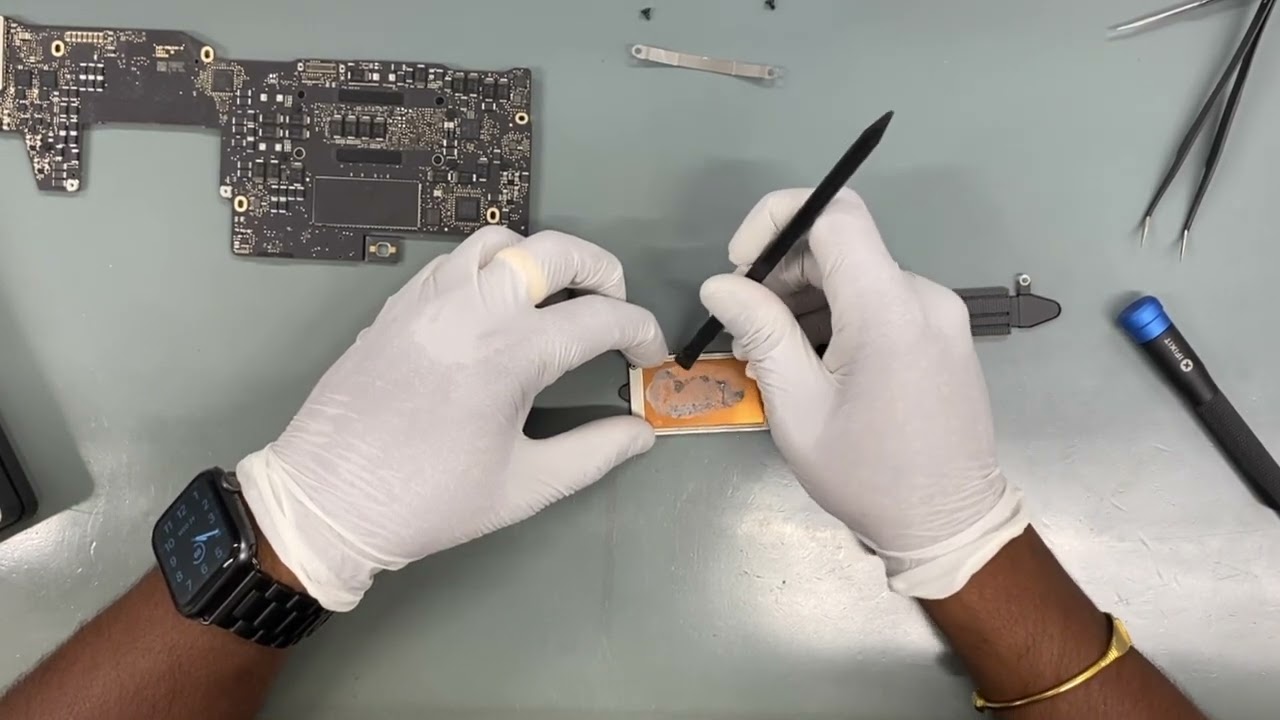
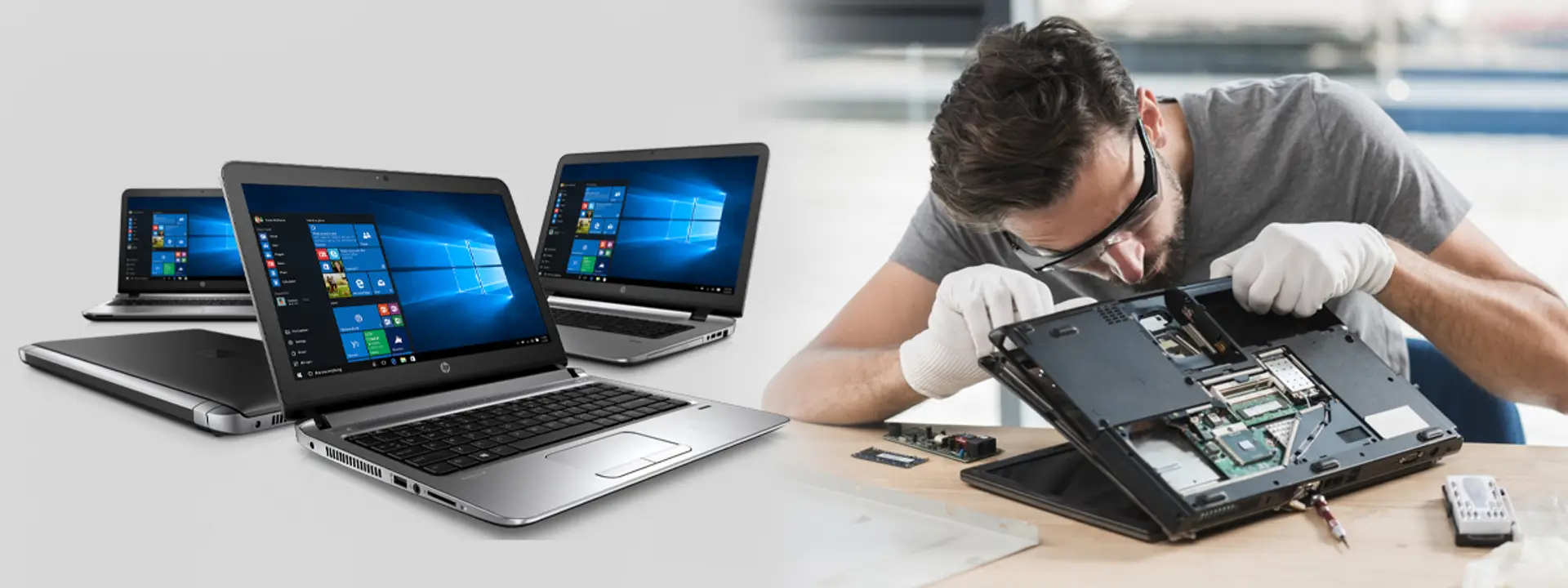
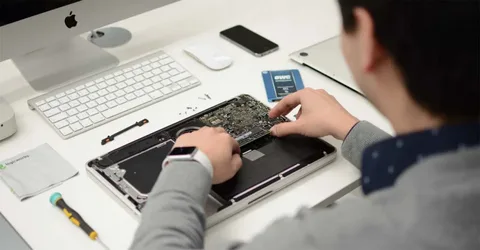
MacBook Air models have compact internal designs. Professionals use specialized tools to open the device without damaging components.
Step 3: Battery Removal
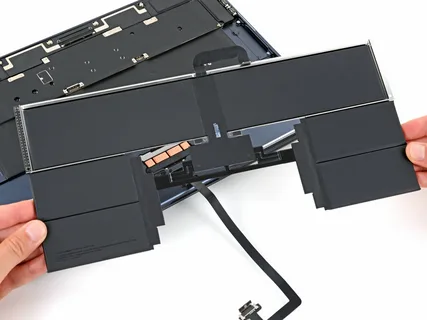
The old battery is carefully disconnected and removed. Adhesive strips and connectors must be handled with precision.
Step 4: New Battery Installation
A compatible replacement battery is installed and securely connected to the logic board.
Step 5: Testing and Calibration
After installation, the device is tested to ensure proper charging, discharging, and system recognition.
This process requires technical expertise, making professional service the safer option for most users.
DIY vs Professional Battery Replacement
Some users consider replacing the battery themselves to save costs. While DIY kits are available, there are important factors to consider.
DIY Replacement: Pros and Cons
Pros
- Lower upfront cost
- Immediate availability of parts
Cons
- Risk of damaging internal components
- No warranty on workmanship
- Possibility of using low-quality batteries
Professional Replacement: Pros and Cons
Pros
- Certified tools and experience
- Quality-tested batteries
- Warranty and service support
- Reduced risk of errors
Cons
- Slightly higher cost
For most users, professional MacBook air battery replacement offers better long-term value and peace of mind.
How Battery Replacement Improves Daily User Experience
After replacing a worn-out battery, many users notice immediate improvements.
- Faster boot-up times
- Stable performance during multitasking
- Longer unplugged usage
- Reduced heating issues
- Better sleep and wake functionality
These benefits make battery replacement a practical investment rather than an unnecessary expense.
Maintaining Your New Battery for Maximum Life
Once you replace your MacBook Air battery, proper care can help extend its lifespan.
- Avoid Full Discharges
Try not to let your battery drop to 0% regularly. Keeping it between 20% and 80% is ideal.
- Use Genuine Chargers
Always use original or certified chargers to avoid voltage fluctuations.
- Keep Software Updated
macOS updates often include battery optimization features that improve efficiency.
- Manage Background Applications
Heavy background processes consume power. Closing unnecessary apps helps conserve battery.
- Store Devices Properly
If not using your MacBook for extended periods, store it at around 50% charge in a cool, dry place.
These habits can significantly delay the need for another battery replacement.
Battery Replacement and Environmental Responsibility
Replacing a battery instead of discarding the entire device is also environmentally responsible. Electronic waste is a growing global concern, and extending device lifespan reduces landfill impact.
Many professional service providers follow eco-friendly recycling standards, ensuring that old batteries are disposed of safely. This approach supports sustainability while keeping your device functional.
Choosing Reliable Repair Services
Finding a trustworthy service provider is essential for quality results. Look for professionals who offer transparent pricing, clear diagnostics, and warranty-backed repairs.
In regions like the UAE, services related to Imac Repair dubai and MacBook maintenance have become increasingly specialized. Experienced technicians often handle both iMac and MacBook devices, ensuring consistent service standards across Apple products.
When selecting a repair center, consider:
- Technician certifications
- Customer reviews
- Use of genuine or high-quality parts
- Warranty coverage
- Turnaround time
These factors help ensure that your MacBook Air receives reliable care.
Frequently Asked Questions About MacBook Air Battery Replacement
How long does a replacement battery last?
With proper care, a new battery can last 3–5 years, depending on usage patterns.
Will replacement affect my data?
No. Battery replacement does not erase data. However, backing up your files is always recommended.
Is it safe to continue using a weak battery?
Using a degraded battery can lead to performance issues and potential hardware damage. Timely replacement is safer.
How long does the process take?
Most professional services complete battery replacement within a few hours or one working day.
Final Thoughts
A healthy battery is essential for maintaining the performance, safety, and reliability of your MacBook Air. As batteries age, replacing them becomes a practical way to restore usability and extend device life.
Understanding when and why MacBook air battery replacement is necessary empowers you to make informed decisions. With professional support, proper maintenance, and responsible usage, you can enjoy longer battery life and better productivity.
Whether you are researching general battery replacement options or exploring related services such as Imac Repair dubai, staying informed helps you protect your technology investment. Taking timely action today can save you time, money, and frustration in the long run.