
A damaged laptop screen can disrupt your work, productivity, and daily routine, especially when it happens on a device as essential as a MacBook. Whether it’s a cracked display, flickering panel, or unresponsive screen, knowing what to do next can save you both time and stress. This beginner-friendly guide will help you understand everything about MacBook screen replacement, from the signs that your screen needs repair to the steps involved and the benefits of choosing the right service. Even if you have never dealt with a laptop repair before, this guide will make the entire process feel much more manageable.
Understanding When You Need a Screen Replacement
Before deciding on repair options, it’s important to identify the symptoms that clearly indicate screen damage. Not all display problems require a full screen replacement, but many do.
Common Signs of a Faulty MacBook Screen
- Cracks or visible damage: Even hairline cracks can grow and affect the display quality.
- Black spots or dead pixels: These appear when sections of the LCD stop working.
- Flickering or flashing lines: Often caused by internal display issues.
- Dim or dark screen: Usually a sign of backlight failure or internal screen faults.
- No display despite the device powering on: Indicates deeper display panel problems.
If your MacBook shows any of these symptoms, chances are you need a MacBook screen replacement to restore proper functionality.
Why MacBook Screen Replacement Requires Expertise
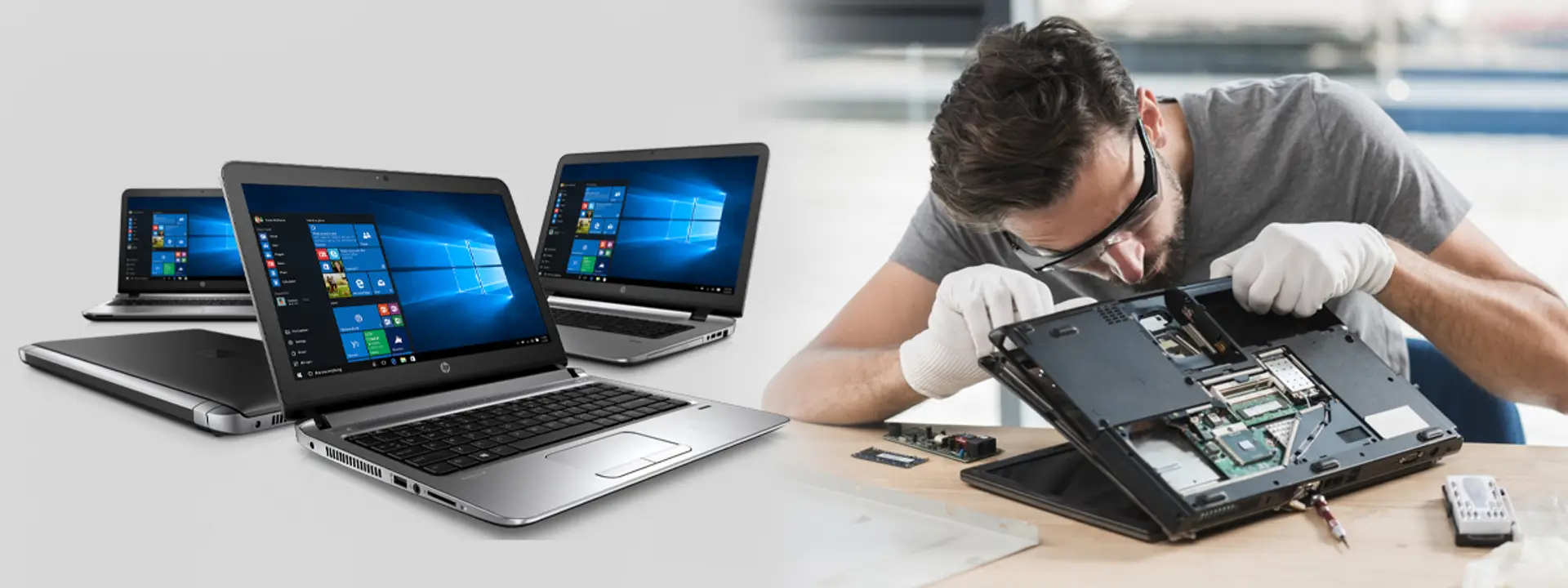
Unlike many laptops, MacBook models have tightly integrated displays that require advanced tools and careful handling. Attempting a repair without experience can cause more damage or void warranty protections. This is especially true for MacBook Air Pro screen replacement, which involves delicate components, specialised screws, and precise alignment.
Key Reasons to Choose Expert Assistance
- Precision tools are needed to detach and reassemble components safely.
- Delicate internal cables can easily get damaged during DIY attempts.
- Risk of damaging the logic board if pressure is applied incorrectly.
- Correct calibration is required for brightness, color accuracy, and True Tone features.
For beginners, it’s always safer to rely on professionals to handle a screen replacement effectively and without complications.
Understanding the MacBook Screen Replacement Process
To help beginners understand the workflow, here’s a clear breakdown of what happens during a typical MacBook screen replacement service.
- Initial Diagnosis
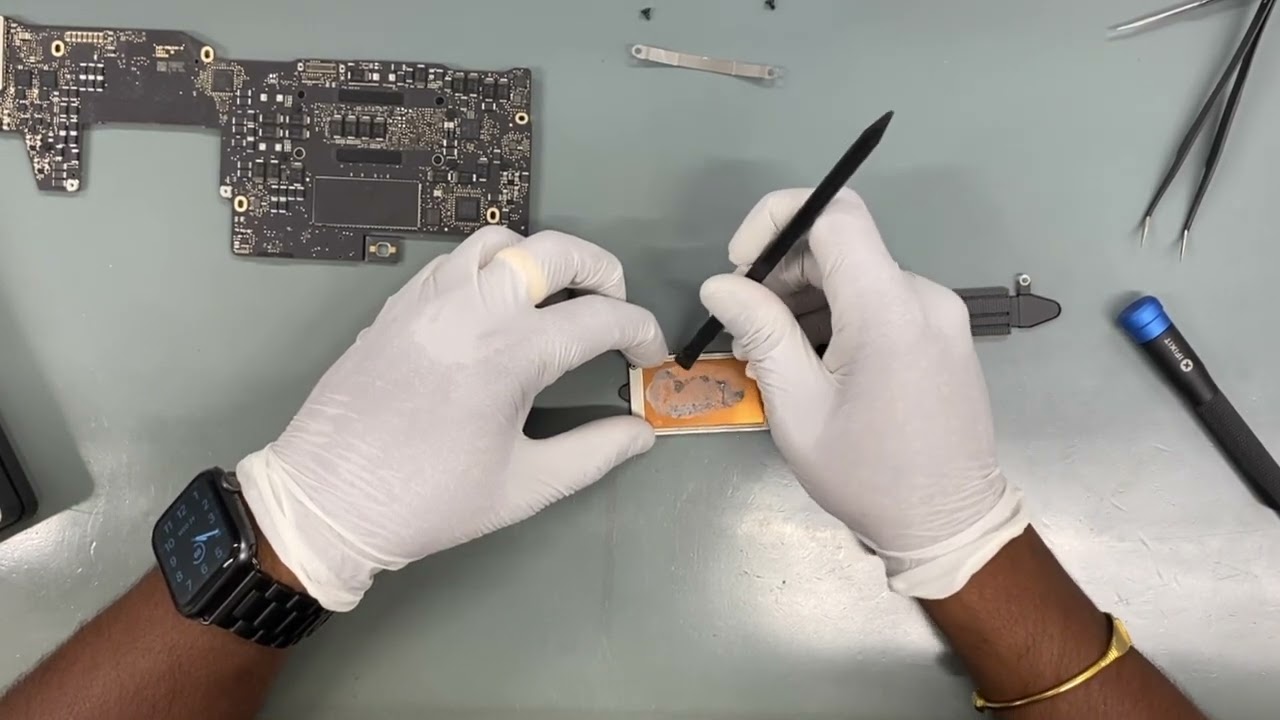
A technician begins by examining the device to confirm whether the screen is the actual issue. Sometimes problems may stem from the display cable, software, or graphics processor. Accurate diagnosis ensures the right repair is performed.
- Disconnecting the Battery
Before any internal work begins, the battery is safely disconnected to avoid electric damage to components. This step prevents short circuits or accidental power flow during repair.
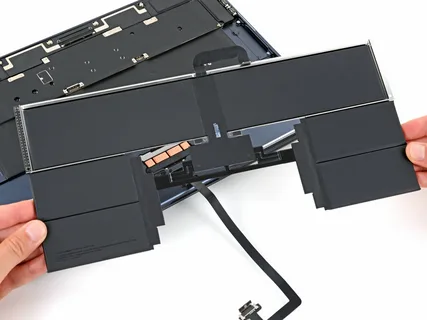
- Removing the Old Screen
This stage involves careful removal of screws, display hinges, and internal connectors. On models requiring MacBook Air Pro screen replacement, the technician must follow a strict sequence to avoid harming the thin display panel and flexible cables.
- Installing the New Screen
The new display assembly is fitted in place, ensuring all connectors align correctly. Proper installation is crucial as even a slightly misaligned panel can cause display distortion or hinge strain.
- Testing the New Display
After installation, the MacBook is powered on to test brightness, color consistency, responsiveness, and overall display quality. Any calibration features are reactivated to ensure a seamless result.
Choosing the Right MacBook Screen Replacement Option
When selecting a repair option, it’s important to know what choices are available. Several factors influence the price and quality of a screen replacement, and beginners should understand them before making a decision.
Display Type and Compatibility
Different MacBook models use different display technologies. Retina displays, Liquid Retina panels, and high-brightness screens all vary in price and availability. Choosing the correct panel ensures your MacBook performs just as it did before the damage.
New vs. Refurbished Screens
- New screens offer the highest quality and longest lifespan.
- Refurbished screens are inspected and repaired to work like new but cost less.
If you’re planning a MacBook Air Pro screen replacement, using high-quality components is recommended for maximum durability.
Warranty on Parts and Labor
Reliable repair services usually offer warranties that cover defects or installation issues. This gives you peace of mind after the repair.
DIY MacBook Screen Replacement: Should Beginners Try It?
While many online tutorials may make the process look simple, a DIY MacBook screen replacement is not recommended for beginners. MacBook screens are extremely sensitive, and one small mistake can cause further damage.
Challenges Faced in DIY Repairs
- High risk of cracking the new screen during installation
- Possible damage to internal cables
- Difficulty in reattaching display hinges
- No professional warranty
- Lack of proper tools like suction cups, pentalobe drivers, and anti-static mats
Attempting a repair for MacBook Air Pro screen replacement is even more complex due to thinner components and tighter build structure.
For these reasons, most beginners prefer sending their device to a professional to avoid expensive mistakes.
How Long Does a MacBook Screen Replacement Take?
Repair time depends on the model and availability of replacement screens. In many cases, a standard screen replacement can be completed within a few hours. More complex models may require a day or two, especially if calibration is needed or if additional testing is required.
Beginners should always confirm the service timeline before sending in their device to avoid unexpected delays.
Cost Factors for MacBook Screen Replacement
Costs can vary depending on:
- The exact MacBook model
- Type of display panel (Retina, Liquid Retina, non-Retina)
- Whether you choose new or refurbished parts
- Labor charges
Models requiring MacBook Air Pro screen replacement often cost more because of advanced display technology, thin bezels, and intricate components.
Understanding these factors helps beginners make informed decisions and avoid overpaying.
Tips to Protect Your New MacBook Screen After Replacement
Once your MacBook screen replacement is complete, taking simple precautions can extend the life of your new display.
Best Practices for Screen Care
- Use a high-quality screen protector to reduce scratches.
- Avoid placing heavy objects near or on top of your laptop.
- Close the lid gently to prevent hinge pressure.
- Keep liquids away to avoid accidental spills.
- Clean the screen regularly using a microfiber cloth.
Good habits can help prevent future damage and reduce the need for another screen replacement.
Final Thoughts: A Beginner-Friendly Approach to MacBook Screen Replacement
For anyone new to the repair process, dealing with a broken screen may feel overwhelming—but with the right information, it becomes much easier to manage. Understanding the symptoms, repair steps, cost factors, and screen care tips will help you make confident decisions.
Whether you need a standard panel repair or a more advanced MacBook Air Pro screen replacement, choosing a reliable service ensures your device is restored to its full visual performance. With proper care and quality components, your MacBook can continue delivering sharp, vibrant, and smooth display output for years to come.